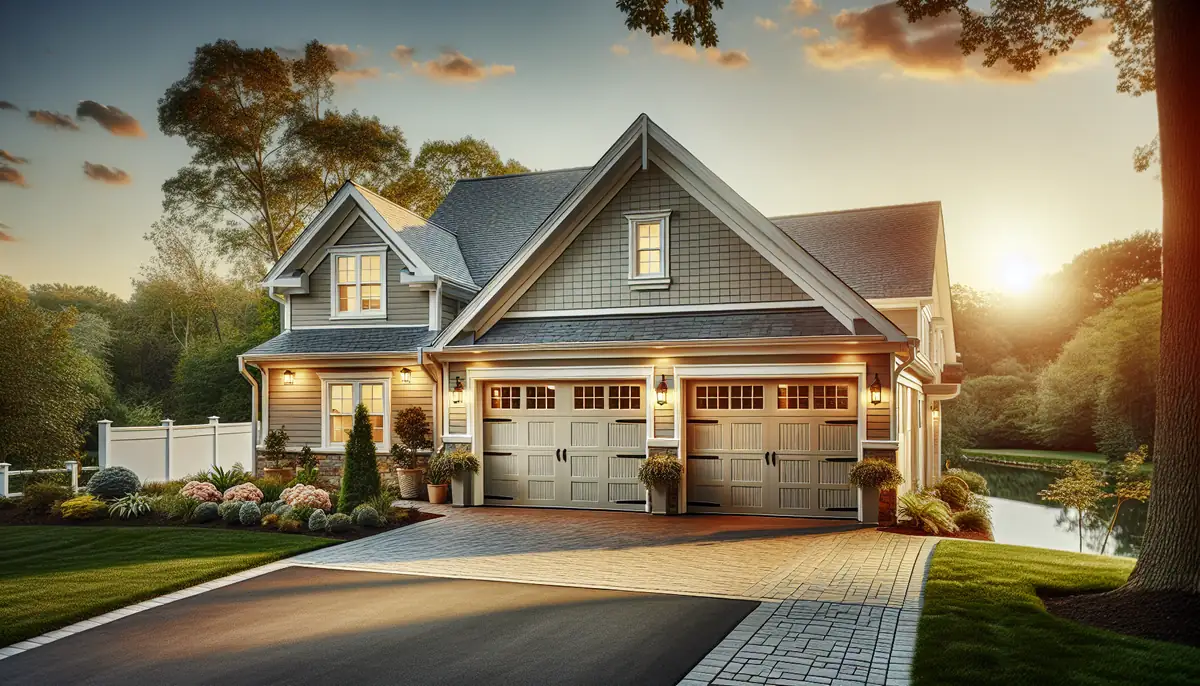
How to Program Your Garage Door Remote: A Complete Guide by Sg Garage Doors Repair
Struggling with your garage door remote? Our comprehensive guide walks you through the programming steps and offers expert tips to ensure smooth operation. Trust Sg Garage Doors Repair for all your needs in Miami, FL.

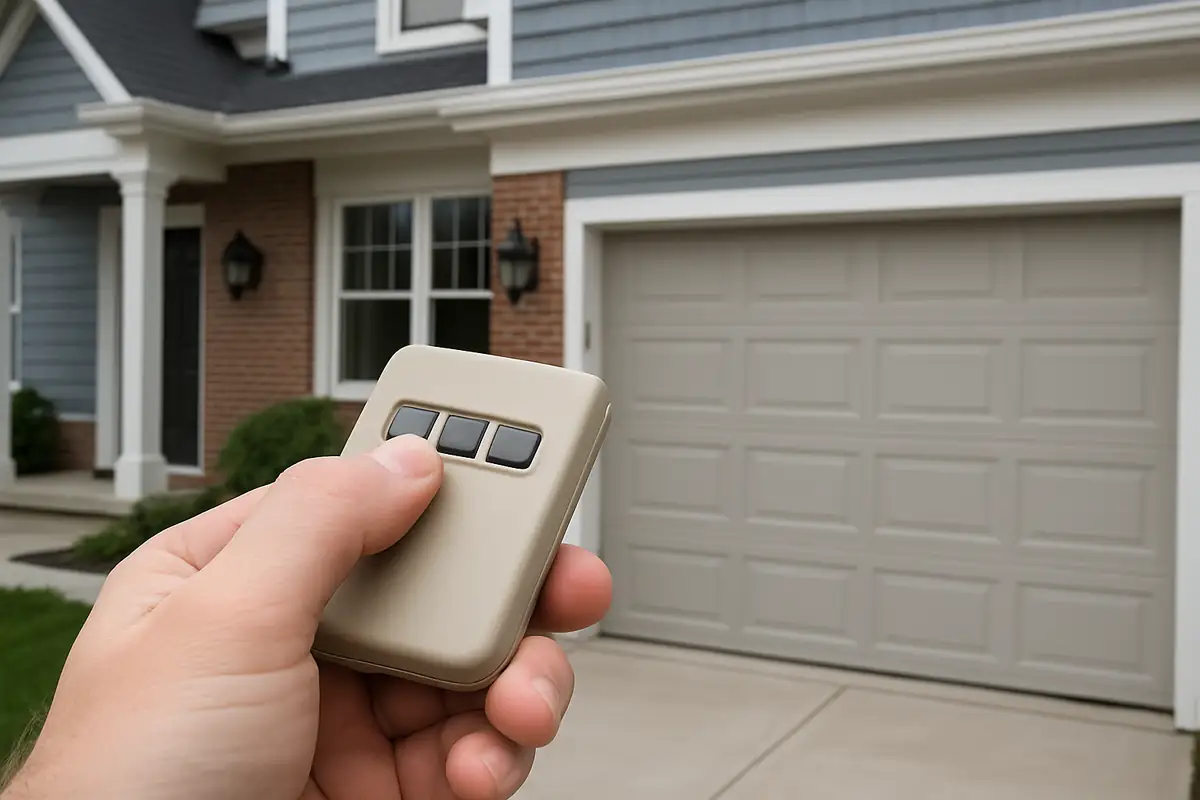
Introduction: Why Knowing How to Program Your Garage Door Remote is Essential
In the hustle and bustle of Miami, FL, your garage door serves as more than just an entrance; it’s a gateway to your home. Having a properly functioning garage door remote can save you time and provide an added layer of security. But what happens when your remote stops working or you need to add a new one? Learning how to program your garage door remote is not only beneficial, but it can also empower you as a homeowner. In this guide, brought to you by Sg Garage Doors Repair, we will walk you through the programming process and share valuable tips to enhance your garage door experience.
Understanding Your Garage Door System
Before diving into the programming process, it’s important to understand the components of your garage door system, particularly if you live in Miami where humidity and weather can affect performance.
Key Components
- **Garage Door Opener:** The main device responsible for opening and closing your garage door.
- **Remote Control:** The handheld device you use to operate your garage door.
- **Receiver:** The unit mounted in the garage that receives signals from the remote.
- **Limit Switches:** These determine how far the door will open or close.
Understanding these parts will help you troubleshoot any issues you may encounter, including remote programming.
Steps to Program Your Garage Door Remote
Now that you have a basic understanding of your garage door system, let’s get started with programming your remote. The exact steps can vary depending on the opener brand, but here’s a general guide:
Step 1: Gather Your Materials
Before you begin, make sure you have:
- Your garage door remote
- Access to your garage door opener
- Any required manual for specific instructions
Step 2: Locate the Learn Button
The learn button is typically found on the back or side of your garage door opener. It may be a different color, and you often need to remove the cover to access it. In some models, a small LED light will accompany the button.
Step 3: Clear the Memory (if necessary)
If you are adding a new remote, you may want to clear the memory of the existing remotes. Here’s how:
- Press and hold the learn button until the indicator light turns off (this usually takes about 6 seconds).
- All previously programmed remotes will now be cleared.
Step 4: Program Your Remote
Follow these steps to program your remote:
- Press and release the learn button on your garage door opener.
- Within 30 seconds, press and hold the button on your remote that you want to program.
- After a moment, the garage door opener light will blink or you'll hear a click, indicating that the remote has been programmed successfully.
Step 5: Test the Remote
After programming your remote, test it by pressing the button to see if the garage door opens or closes. If it doesn’t work, repeat the steps above.
Troubleshooting Common Issues
Even after following these steps, you may run into some common issues. Here are some troubleshooting tips:
- **Remote Not Responding:** Check the batteries in the remote and replace them if necessary.
- **Interference:** Ensure no other electronic devices are causing interference, especially if the remote works intermittently.
- **Distance Issues:** Test the remote at varying distances from the garage door opener.
Maintaining Your Garage Door System
Programming your remote is just one aspect of maintaining your garage door system. Regular maintenance helps ensure longevity and smooth operation. Here are some maintenance tips:
- **Regularly Inspect the Door:** Look for wear and tear, and ensure the door is balanced.
- **Lubricate Moving Parts:** Use a silicone-based lubricant to reduce friction and noise.
- **Test Safety Features:** Regularly check the safety sensors to ensure they function correctly.
When to Call the Professionals
While programming your garage door remote is a simple task, some situations may require the help of professionals. If you experience any of the following, it’s best to contact Sg Garage Doors Repair:
- Difficulty accessing the learn button or issues with the opener itself.
- Frequent remote failures despite troubleshooting attempts.
- Any signs of physical damage to the garage door system.
Conclusion: Get Help from Sg Garage Doors Repair
Programming your garage door remote doesn’t have to be a daunting task. With these straightforward steps, you can manage your garage door with ease. However, if you find yourself facing persistent issues or if maintenance becomes overwhelming, Sg Garage Doors Repair is here to help! Based in Miami, FL, our team of professionals is dedicated to providing top-notch garage door services. Contact us today for assistance and ensure your garage door system operates smoothly for years to come!
Explore More Resources
Related Articles
Service Areas
We proudly serve Miami, Miami Design District, Miami Beach, Coral Gables, North Bay Village and more areas.
Our Services
Professional garage door repair, spring repair, opener installation and more. View all services →
How to Program Your Garage Door Remote: A Complete Guide by Sg Garage Doors Repair
How to Program Your Garage Door Remote: A Complete Guide by Sg Garage Doors Repair