How to Program Your Garage Door Remote: A Complete Guide from Sg Garage Doors Repair
Programming your garage door remote doesn't have to be a daunting task. Follow our easy guide to ensure your remote is set up correctly and enjoy seamless access to your garage.

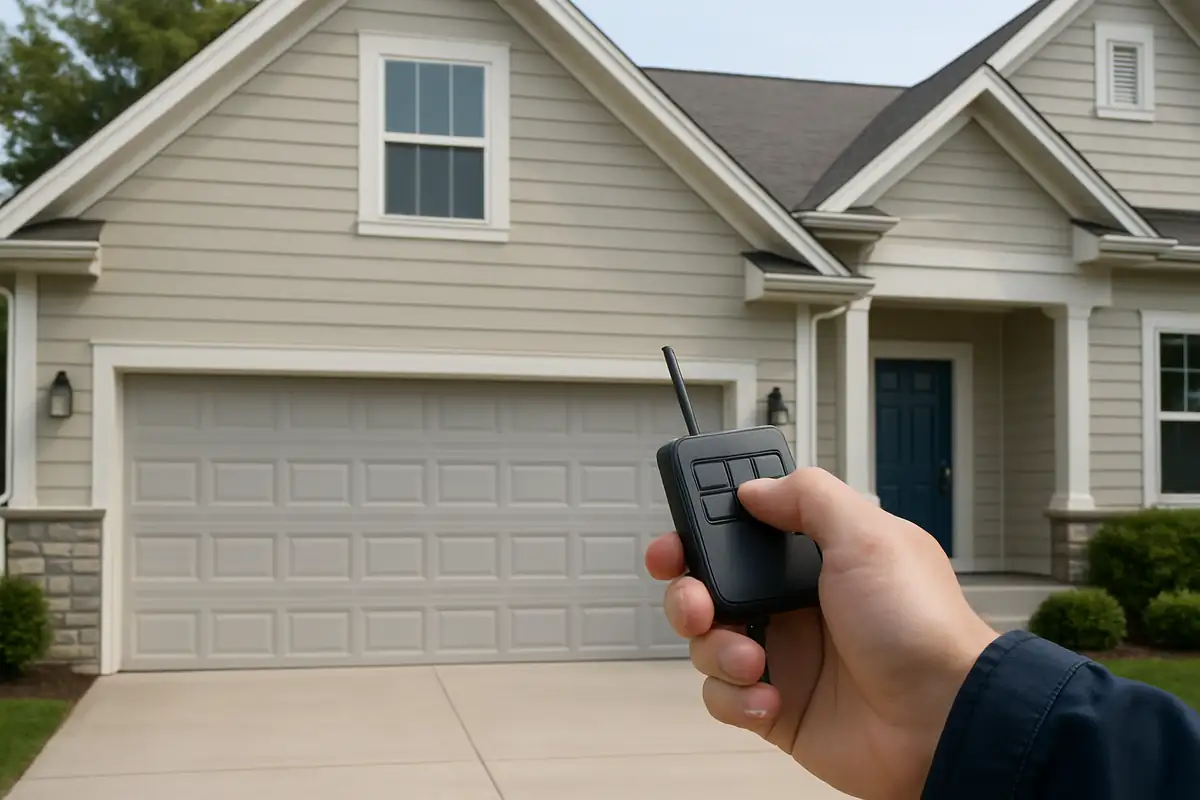
Unlock the Convenience: Programming Your Garage Door Remote
Your garage door remote is an essential tool that provides convenience and security for your home. In Miami, where the sun is always shining and life moves quickly, ensuring your garage door functions smoothly is vital. Whether you've just purchased a new remote or need to reprogram your existing one, this comprehensive guide will help you do it efficiently.
Understanding the Basics of Garage Door Remotes
Garage door remotes come in various types, but they all serve the same purpose: to allow you to operate your garage door with ease. Here are some key components to understand:
- Frequency: Most remotes operate on a specific radio frequency, typically between 300 MHz and 400 MHz.
- Code Type: Remotes use either fixed or rolling codes for security. Rolling codes change each time you use the remote, offering enhanced security.
- Compatibility: Ensure your remote is compatible with your garage door opener brand.
Step-by-Step Guide to Programming Your Garage Door Remote
Follow these detailed steps to program your garage door remote, whether it's a new one or a replacement.
Step 1: Gather Necessary Tools
Before you begin, make sure you have the following:
- Your garage door opener manual
- The remote control
- A ladder (if necessary)
- A pencil and paper for notes
Step 2: Locate the Learn Button
Most garage door openers have a 'Learn' button located on the back or side of the motor unit. Follow these steps:
- Disconnect power to the garage door opener.
- Climb the ladder, if needed, and look for the 'Learn' button.
- It is usually a small, colored button; note its color for reference.
Step 3: Program the Remote
Now, it’s time to program your remote. Here’s how:
- Power on the garage door opener by reconnecting it.
- Press and hold the 'Learn' button until the LED light turns on.
- Within 30 seconds, press and hold the button on your remote until the garage door opener lights blink, indicating successful programming.
Step 4: Test the Remote
Once programmed, it’s essential to test the remote to ensure it works correctly:
- Stand within range of the garage door.
- Press the button on your remote.
- Observe if the garage door opens or closes as expected. If it doesn’t, repeat steps 2 and 3.
Troubleshooting Common Issues
If you encounter problems while programming your remote, consider the following troubleshooting tips:
- Remote Not Responding: Check the batteries and replace them if necessary.
- Garage Door Doesn’t Open: Ensure you are within range and that the door isn’t obstructed.
- Lights Not Blinking: If the opener’s light doesn’t blink after programming, repeat the process.
Best Practices for Maintaining Your Garage Door Remote
To ensure your remote continues to function optimally, follow these best practices:
- Keep the remote away from extreme temperatures and moisture.
- Regularly check and replace batteries to avoid downtime.
- Store the remote in a designated spot to avoid misplacement.
Conclusion: Keep Your Garage Door Running Smoothly with Sg Garage Doors Repair
Programming your garage door remote can enhance your home’s convenience and security. With this guide, you can easily set up your remote and troubleshoot any issues that arise. If you find yourself facing persistent problems or need professional assistance, don't hesitate to reach out to Sg Garage Doors Repair. Our expert team in Miami, FL, is ready to help you with all your garage door needs, ensuring your home remains secure and accessible. Contact us today!
Explore More Resources
Related Articles
Service Areas
We proudly serve Miami, Miami Design District, Miami Beach, Coral Gables, North Bay Village and more areas.
Our Services
Professional garage door repair, spring repair, opener installation and more. View all services →